Hydroponic Solver
Hydro-Calc automatically calculates the exact amounts of nutrient salts needed to hit your target PPMs.
A professional hydroponic calculator and fertilizer optimization platform for building, analyzing, and managing nutrient mixtures.
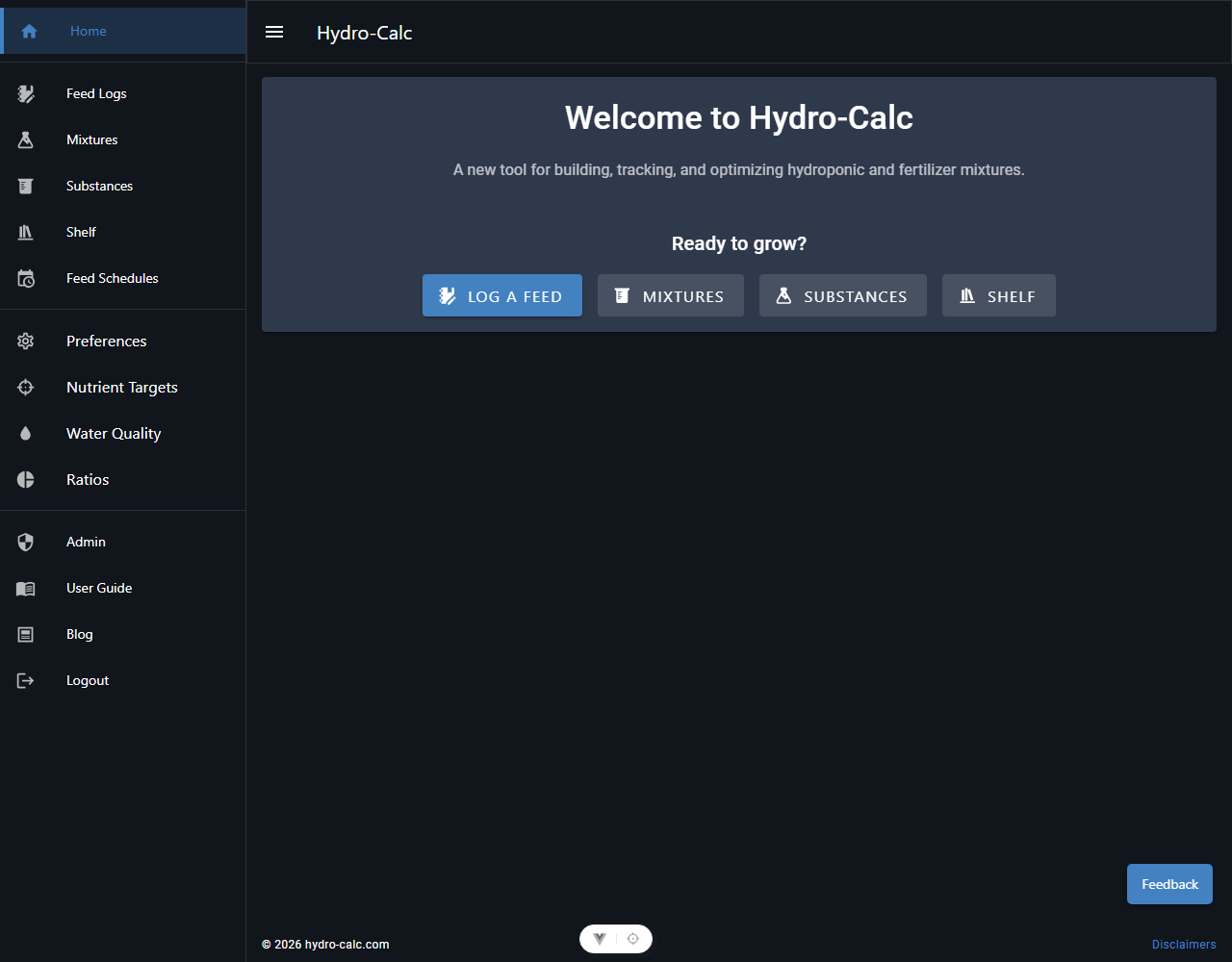
Welcome to Hydro-Calc, the ultimate hydroponic calculator and fertilizer optimization platform designed for modern growers, agronomists, and hydroponics enthusiasts. Whether you are balancing macronutrients, customizing micro-elements, or adjusting source water chemistry, Hydro-Calc helps you achieve the perfect recipe.
By leveraging advanced linear programming, this tool automatically determines the most cost-effective and precise combination of fertilizer substances to hit your exact target PPMs. Take control of your crop steering, optimize your feed schedules, and track your water quality with professional-grade tools.
8/22/2026
We've upgraded our UX package across Hydro-Calc, bringing a round of layout and interaction refinements to make every screen feel tighter and easier to use.
As always, if anything looks off or isn't working as expected, please leave us feedback using the Feedback button in the app. Happy growing!