Appearance
Login Page
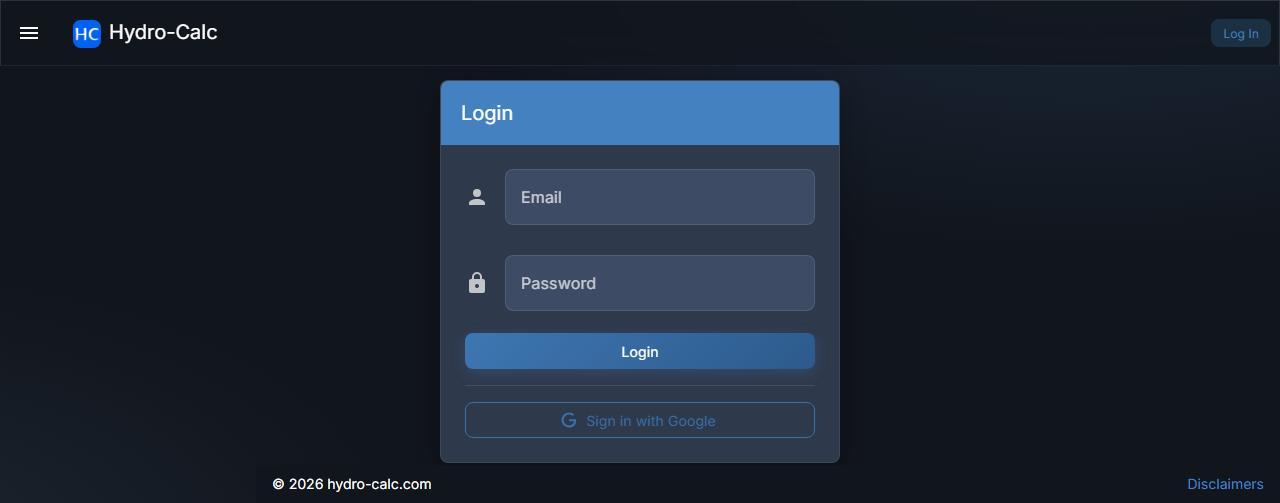
The Login Page allows you to access your Hydro-Calc account.
Try Before You Log In
You can use Hydro-Calc anonymously to build mixtures and browse the global substance library without logging in. Simply navigate to any page like Mixtures or Substances to get started. Your data will be available for 24 hours. Create a free account to save your work permanently.
How to Log In
- Navigate to the Login page.
- Enter the email address and password you used to register.
- Click the "Login" button.
Login with Google
In addition to email and password, you can also log in using your Google account.
- On the Login page, click the "Sign in with Google" button.
- A Google sign-in pop-up will appear. Select your Google account or sign in with your Google credentials.
If your Google login is successful, you will be redirected to the Home Page.